GPTBot and robots.txt: GPTBot is OpenAI's training crawler, and you can block it with two lines in robots.txt without disappearing from ChatGPT search. ChatGPT search is controlled by a different crawler, OAI-SearchBot. You decide on each of them separately.
OpenAI has three crawlers in use, according to its own documentation:
OAI-SearchBot is the one you must not block if you want to appear in ChatGPT search.
Add this to robots.txt:
User-agent: GPTBot
Disallow: /

User-agent: OAI-SearchBot
Allow: /
The first rule stops the training. The second says the search crawler is welcome. OpenAI writes that it can take about a day from when robots.txt changes until its systems adjust.
Many. One in four of the most visited Norwegian websites blocks GPTBot, according to K—lab's report on AI crawlers. News and media sites block it most often: about two in three. Media companies sell their content, so that is understandable.
The point is that many block more than they need to. A third of the websites that block GPTBot still let OAI-SearchBot in and can appear in ChatGPT search. The rest have closed both doors and cannot appear there.
It depends on what you want. If your content is the product, as it is for media companies, it may be wise. A B2B company usually wants the opposite: for buyers to find you, including in AI answers. Then the search crawlers are what count, and you should let them in.
Other companies have similar rules. Google-Extended controls whether Google can use your pages to train its AI models. Googlebot decides whether you appear in search, and Google explains the distinction in its overview of its crawlers.
Yes, the principle is the same. ClaudeBot and Google-Extended control training. Claude-SearchBot, PerplexityBot, Googlebot and Bingbot decide whether you can appear in AI search. The names and rules are in each provider's documentation, and we list them in the report. If you block a search crawler, your pages cannot be cited there.
Open yourcompany.com/robots.txt in your browser. Look for lines that block the whole site for a crawler, or a general rule that does so for all crawlers. A general “Disallow: /” for all crawlers also blocks OAI-SearchBot, unless you have a separate Allow rule for it. Check that the page you want to appear is not blocked.
Open doors are only the first step. The guide to getting visible in ChatGPT covers the rest. Want to see if AI mentions you? Get the free report from K—lab.
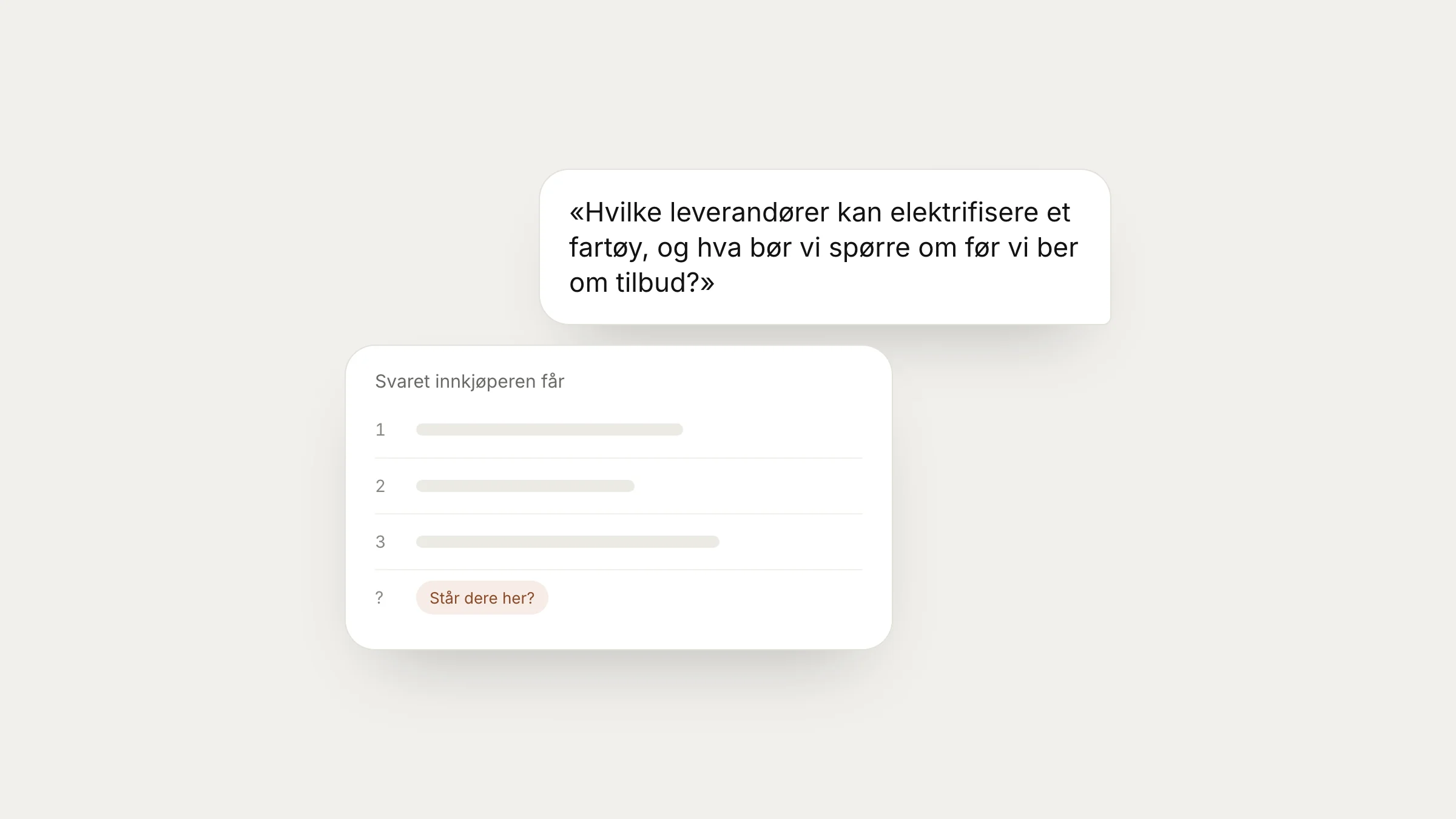
B2B companies with deep expertise should be chosen for what they can do, even when the buyer asks AI first. Here are the surveys, the numbers and where K—lab itself stands.
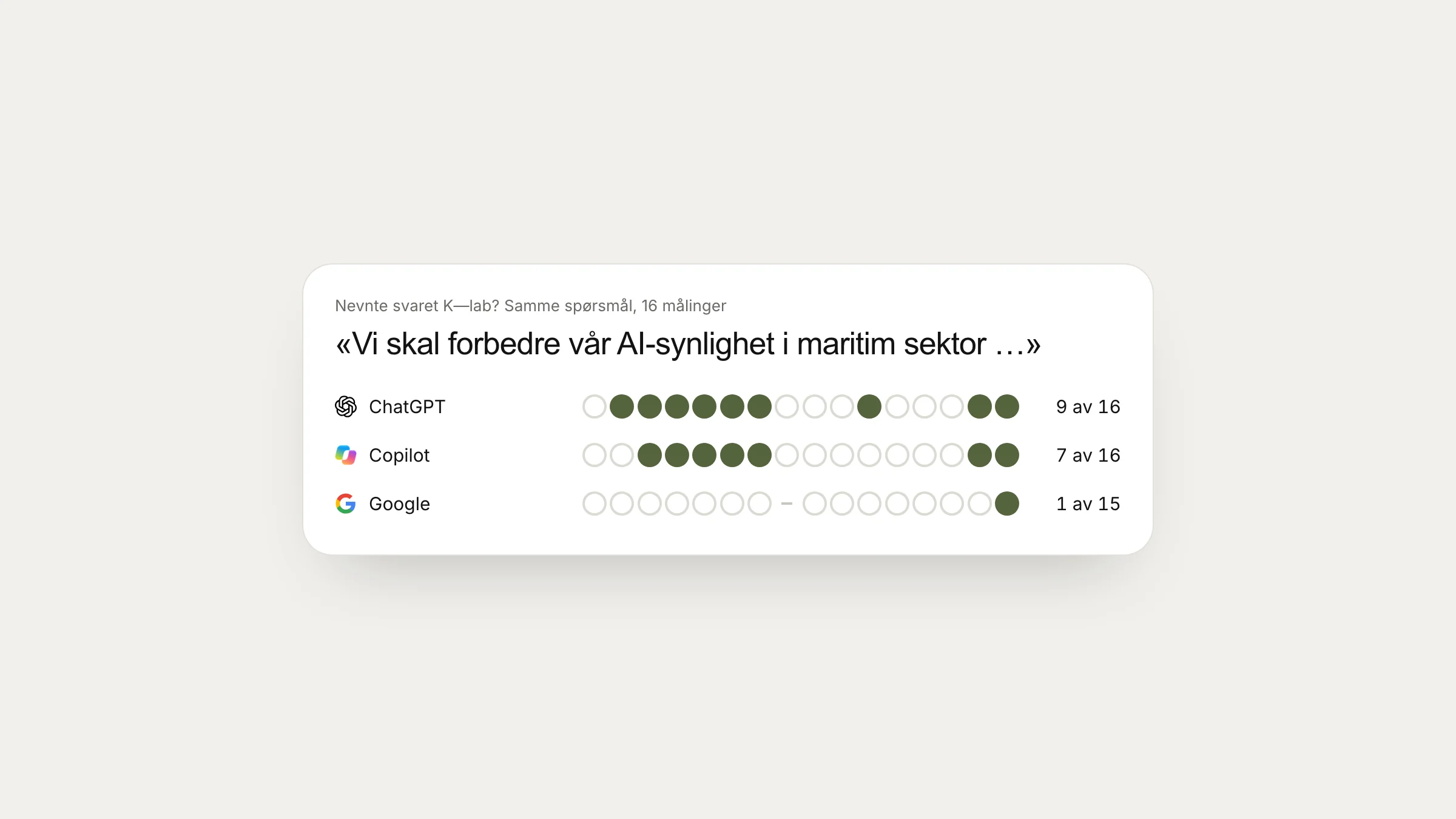
We asked ChatGPT and Copilot buyer questions every other day for a month. See how much the answers change, and why a single answer is only a snapshot.
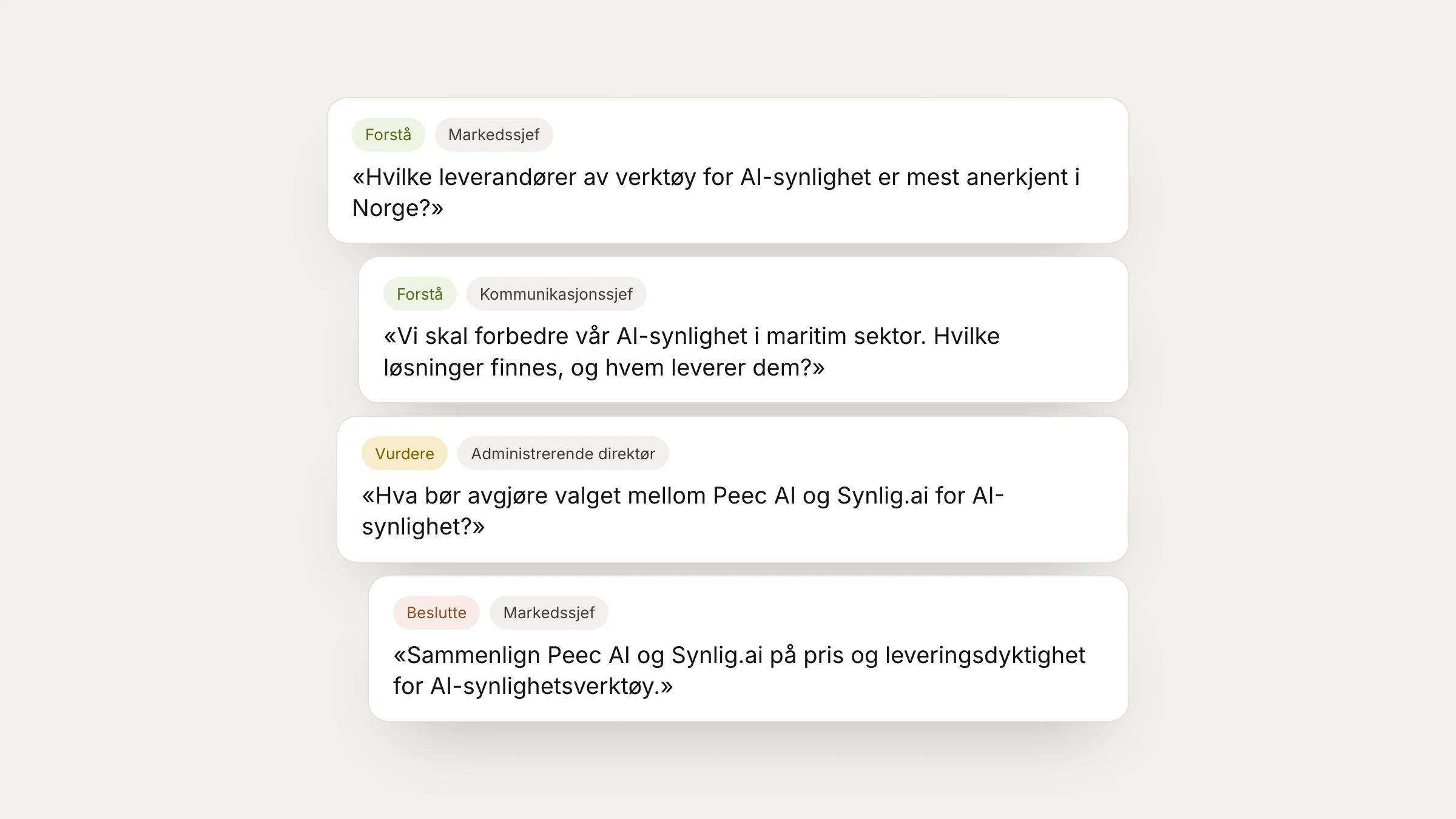
K—lab asks buyer questions written from buying situations in industry and the maritime sector. Here is how they are chosen, and how to build your own list.
Spend less time gathering and explaining results. Spend more time on the actions that actually deserve attention.